
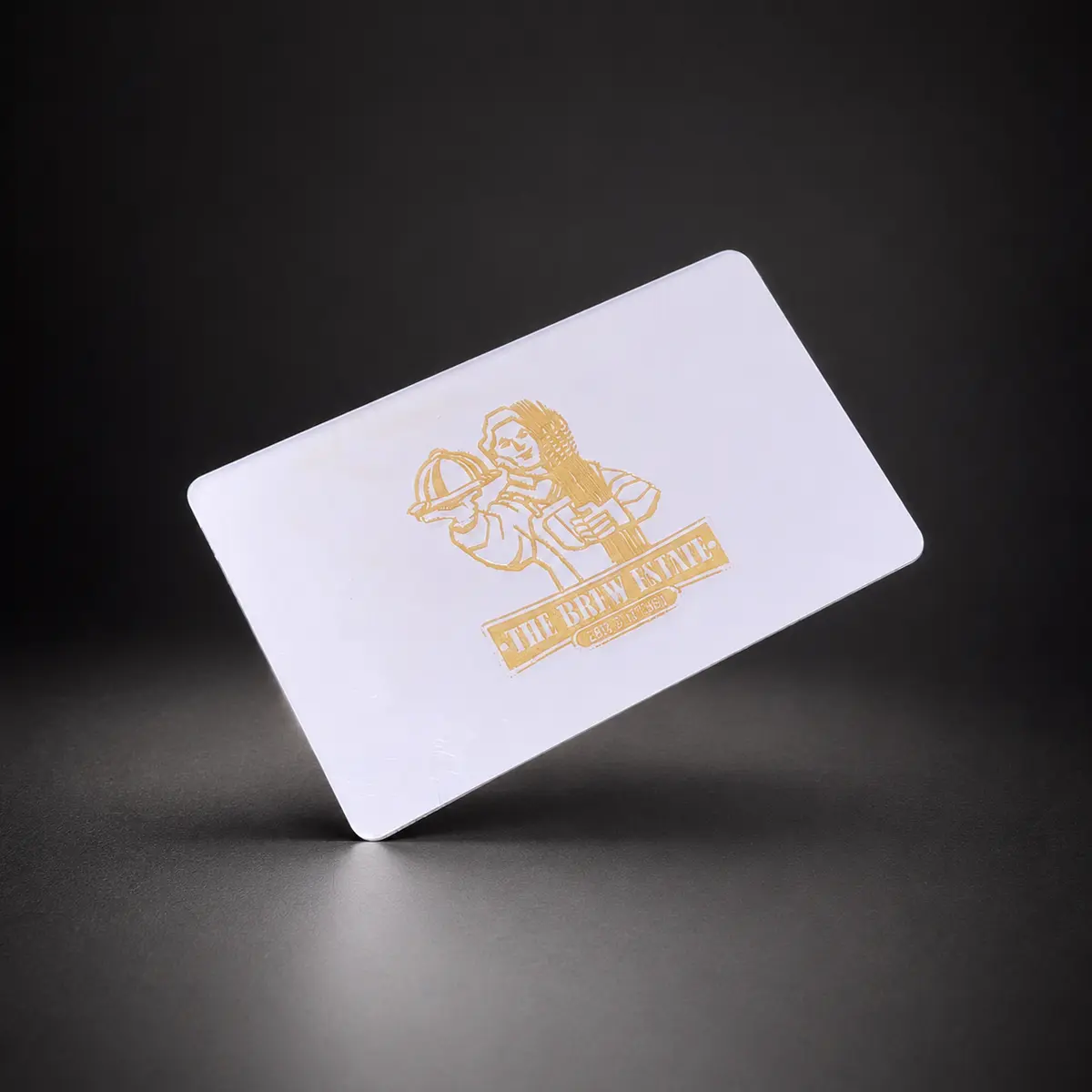
Put the card where the conversation already happens
For restaurants, try the payment counter or order collection point. For salons, keep it within reach at reception or checkout. Give the customer space to bring their phone close to the card, and avoid burying it among flyers or placing it directly against other NFC tags or payment equipment.
The card works best when a team member explains it. A customer should know that the tap opens your Google review page, rather than a payment screen, booking form or app download.
A staff script that feels natural
Try: ‘Thanks for visiting. If you’d like to share honest feedback, you can tap here to open our Google review page.’ Offer the same opportunity consistently and leave the decision with the customer.
On a compatible NFC phone, the customer taps and opens the notification. The Google destination loads using their internet connection. They do not need a Pick Card app, but Google requires a signed-in account to publish a review. Some people will see a sign-in screen; that is not a failed tap.
- Thank the customer before asking for feedback.
- Explain that the tap opens a review page.
- Let them choose their rating and write privately.
- Keep the direct Google review link available to share if tapping is inconvenient.
Match each card to the correct location
A restaurant group or salon with several branches should check each location’s Google review link. Send the business name and correct profile or review destination to Pick Card before setup. Test a sample card on a phone and read the business name on the page that opens.
Label the cards internally if staff move between locations. Sending feedback to the wrong branch is easy to avoid with a quick destination check before cards go into service.
Make honest feedback easy; leave rewards out
Do not offer a free dessert, discounted haircut, loyalty points or another reward in exchange for a Google review. Avoid asking specifically for five stars or giving the review link only to customers who say they are happy. Google’s policy covers incentives and selective requests for positive reviews.
A Review Card shortens the route to the review page. It does not guarantee a review, choose a rating or prove that feedback was posted. Keep the request light and let the service itself do the work.
Review cards and business cards serve different moments
For Canadian shipping addresses, Pick Card’s Review Card is $25 CAD once, before tax, with Google review-link setup and no subscription. It opens the review destination directly. Use it for customer feedback at checkout.
A Metal or PVC networking card opens your digital profile. That can include an owner’s contact details, a stylist’s portfolio or an external booking link. Canadian pricing is $75 CAD for PVC; Metal is $100 CAD and includes a separate Review Card worth $25 CAD, plus an engraved QR backup. Metal and PVC include a custom design, approval proof and free profile detail updates.
Pick Card engraves in Vancouver. You approve the networking-card design before production, so the physical card represents your brand as well as the destination behind the tap.
Frequently asked questions
Does the Review Card also open my booking page?
The Review Card is configured for your Google review page. Use Metal or PVC for a digital profile containing an external booking or portfolio link.
Can I get cards for multiple locations?
Yes. Send the quantities and correct Google review link for each location so the destinations can be confirmed before setup.