
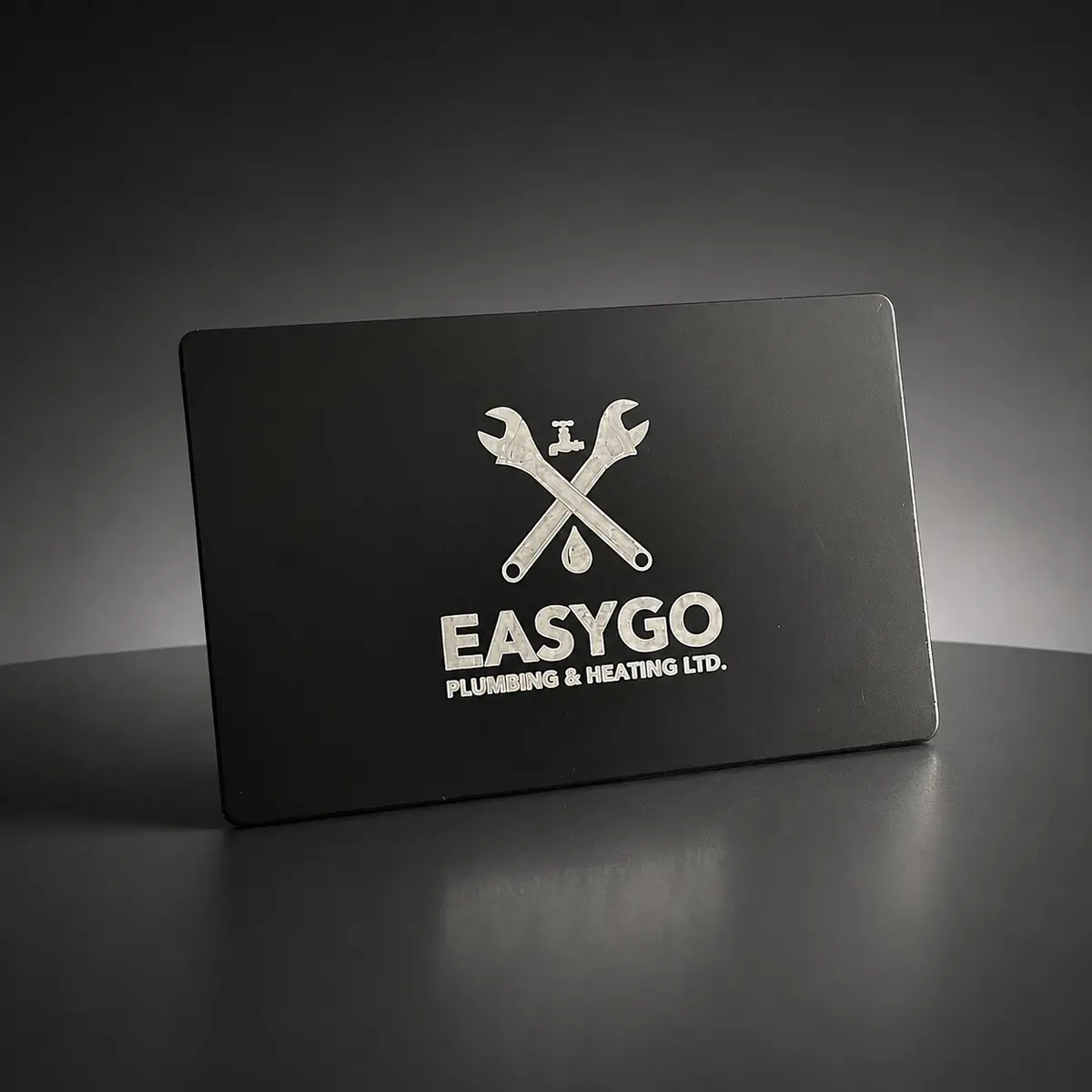
What a tap-to-review card actually does
The Review Card carries your business’s Google review link. On a compatible NFC-enabled phone, a tap shows a notification. The customer opens it to reach the Google review page. They choose whether to write a review and what rating to leave.
It does not post a review automatically, guarantee more reviews, or require a Pick Card app. The phone needs an internet connection, and Google requires the customer to sign in to a Google account to submit feedback.
A simple routine at the end of a service call
Finish the work and answer the customer’s questions first. Then offer the card with a short invitation: ‘If you’d like to share honest feedback, this tap opens our Google review page.’ Keep the card after the tap; it is reusable.
Have your direct review link ready to send digitally if the customer’s phone cannot read NFC or they would rather do it later. A thick case or wallet attachment can make reading the tag harder.
- Confirm the job is complete and explain any next steps.
- Offer the review link consistently, without choosing only customers you expect to give five stars.
- Explain the notification step, then give the customer space to write in their own words.
Set up the right business before it goes in the van
Send Pick Card your business name and direct Google review link or Google Business Profile. Check that the destination is the correct company and location. If you operate several branches, identify the review destination for each branch’s cards.
Test the card on a compatible phone before a crew starts using it. Make sure the team can recognize the right Google page. The card makes the link easier to open; a tap is not confirmation that a customer submitted a review.
Review Card or networking card? Use the right one
For Canadian shipping addresses, the $25 CAD Review Card opens your Google review page. Metal and PVC business cards open your digital profile, where a new contact can find your phone, email, website and links. These are separate jobs, which is useful for trades: one card for feedback, another for the next enquiry.
For Canadian shipping addresses, a $100 CAD Metal card includes custom laser engraving on black anodized aluminum, NFC, an engraved QR backup and a separate Review Card worth $25 CAD. The $75 CAD engraved PVC card is lightweight and includes NFC and a shareable profile link; you can add a Review Card for $25 CAD. Product pages show the selected browsing currency; final prices use CAD for Canadian shipping addresses, GBP for the UK, and USD elsewhere, before tax. No subscription.
Let the quality of the job earn the review
Ask for honest feedback without offering a discount, gift or reward. Do not screen customers before giving them the Google link, or ask them to leave a specific rating. A straightforward request respects both the customer and the reputation you are building.
Pick Card’s Metal and PVC designs are approved before engraving in Vancouver. Profile detail updates are free, so your online phone number or website can change while you keep using the same networking card. The physical engraving stays as approved.
Frequently asked questions
Can the crew share one Google Review Card?
Yes. It is a reusable tap point linked to the business’s review page. A card for each crew can make it available at more service calls.
Do customers need an app?
They do not need a Pick Card app. They need a compatible NFC phone and internet access; Google requires sign-in to post a review.