
Start with the experience you want customers to describe
Before changing how you ask, look at what customers experience from the first enquiry to the final handover. Clear prices, realistic arrival times and a useful explanation of the finished work give people something meaningful to talk about. For a detailer, that could mean agreeing on the package and inspecting the car together; for a salon, confirming the service before the appointment begins.
Use recurring feedback to improve the service. A review request cannot repair an unclear quote or a missed commitment. Keep a direct way to contact your business available to every customer, alongside the public review link.
Get the review link for the correct business
Sign in to the Google account that manages your Business Profile. Open the right profile, choose Read Reviews, then Get more reviews, and copy the review link. For a business with several locations, check the name and address before sharing it.
Open the copied link on another phone to confirm the destination. A website homepage, directions link or general Maps listing creates a different journey. Keep the direct review link somewhere your team can find it. Google also provides a review QR code through a computer browser.
Ask at a natural point, using the same invitation
Offer the invitation after the customer has experienced the service: after a restaurant visit, a completed appointment or a finished repair. Make it optional and give them room to respond later. Do not make a posted review part of the handover or ask to see their screen.
A simple in-person example is: Thank you for choosing us. If you would like to share honest feedback, this link opens our Google review page. You can do it whenever suits you. For a receipt or thank-you message, use: Thank you for your visit. You are welcome to share your experience on Google here: [your review link].
- Invite feedback consistently instead of choosing only customers you expect to give five stars.
- Let the customer choose their own rating and wording.
- Avoid discounts, gifts, prize entries or other rewards in return for reviews.
- Do not ask someone to change or remove a review in return for compensation.
Choose the sharing method for the moment
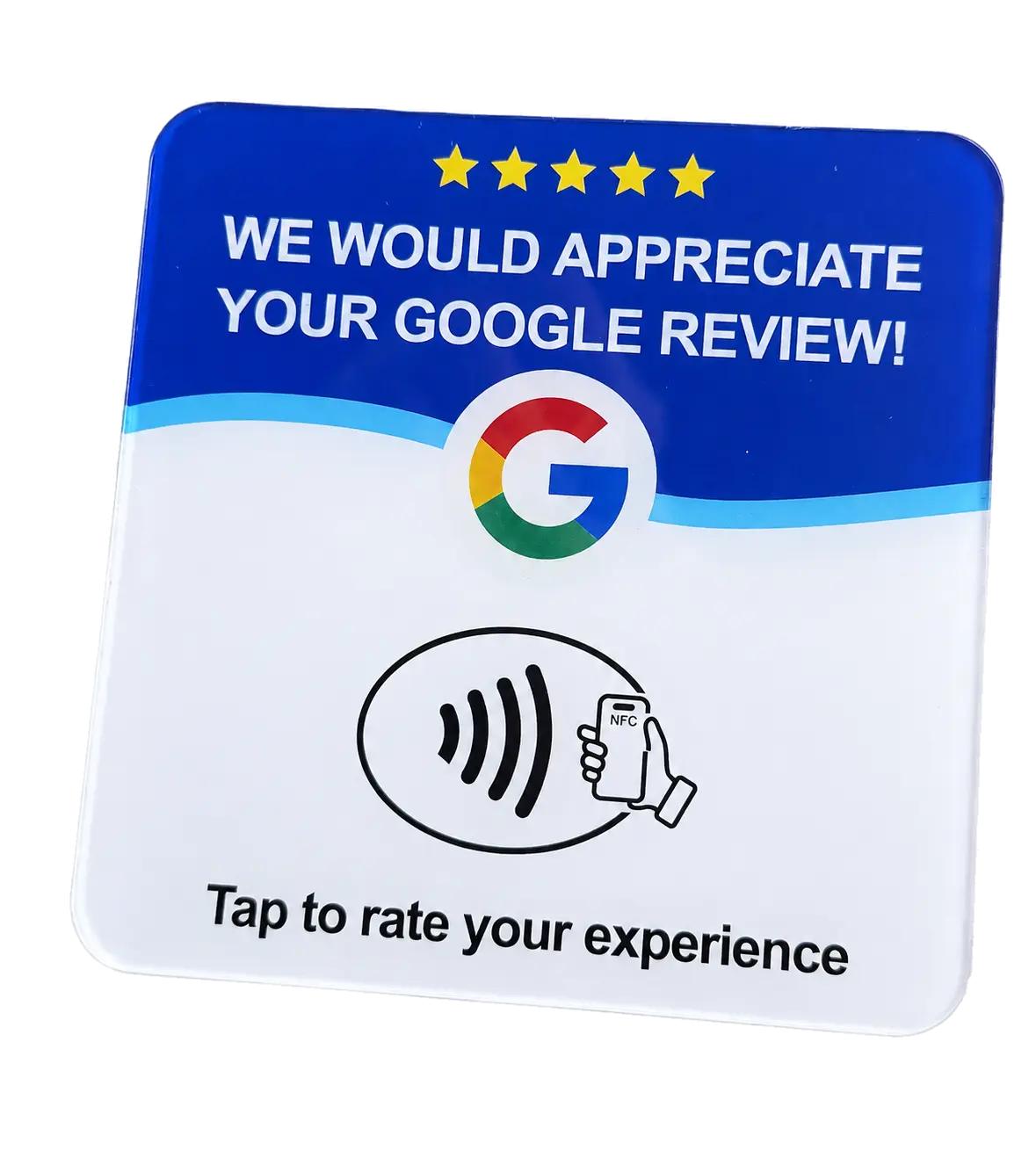
At a counter or service visit, an NFC review card gives someone a physical tap point. A compatible phone reads the link, the customer opens the notification, and the review page loads. For someone who prefers to respond later, share the same direct link through your usual customer communication.
Customers need internet access and must sign in to a Google account to submit a review. They do not need a Pick Card account. If tapping does not work, send the link instead. Opening the page is a useful first step, not a submitted review.
See Google Review NFC cardsReview cards for trades and service callsReview cards for restaurants and salons
Make the routine easy for your team to repeat
Decide where the card lives, which business profile it opens and when the invitation fits the customer journey. A receptionist and a mobile technician may need different physical cards while still using the same review destination.
Check the destination when a card is first supplied and when the business changes locations. Keep follow-up messages brief and relevant. If someone declines, respect that choice instead of repeatedly asking. Train staff around offering a helpful option rather than achieving a quota of reviews.
Read the feedback and respond with care
Review the feedback regularly and answer in a way that addresses the actual experience. Thank people where appropriate and explain a useful next step when something went wrong. Keep personal order details out of a public reply.
Notice repeated themes such as wait times, communication or unclear inclusions, then make a specific improvement. A growing review count alone does not tell you that your service improved, and a card cannot promise five-star ratings or a higher Google position.
Put the review link within reach
For Canadian shipping addresses, a Pick Card Google Review Card is $25 CAD, plus $20 CAD standard shipping per order and applicable taxes. Review-link setup and a final design proof are included, with no subscription. The $100 CAD Metal NFC business card includes a separate Google Review Card.
Order online, provide the correct business and review-link details after checkout, and approve the proof before production. Keep using the card for new invitations; customers choose what to write each time.
Choose a Google Review CardCheck production and delivery estimates
Frequently asked questions
Can I ask customers for a 5-star Google review?
Ask for honest feedback and let the customer choose the rating. Google's policy prohibits selectively soliciting positive reviews and pressuring customers to leave particular content. Do not make five stars a condition of a request or reward.
Can I offer a discount for any review, even an honest one?
No. Google's policy prohibits incentives in exchange for reviews, including discounts or free goods and services. Keep customer promotions separate from review requests.
Does a Google Review Card automatically post a review?
No. It opens the review page. The customer signs in to Google, chooses a rating, writes any feedback and decides whether to submit it.
What does a Pick Card review card cost in Canada?
The Google Review Card is $25 CAD before shipping and applicable taxes. Standard shipping is $20 CAD per order. Review-link setup and proof approval are included; there is no subscription.