
What happens when someone taps your card?
The phone reads a small amount of information from the NFC tag. On a Pick Card, that information is a link to your digital profile. The visitor opens the link in their browser and sees the details you have chosen to publish. The precise notification and opening behaviour depends on the phone and its software.
Sharing the link does not automatically exchange both people's contact details. Someone viewing your profile still chooses whether to save your contact or contact you. They do not need a Pick Card app or account to view it.
What information is public?
Treat your digital business card like a public business page. Anyone with the card, QR code or profile link can open the information you have published. The link can also be copied and shared.
Choose a business phone number, work email and public business links where possible. Avoid publishing a home address, private documents, passwords or information you would not hand to a new contact. Check the page as a visitor after making changes.
Pick Card lets you edit your profile and switch it off from your dashboard. Updating or disabling a profile cannot recall a contact someone has already downloaded, a screenshot or another saved copy.
Can an NFC business card be hacked or copied?
The practical risks include an untrustworthy destination website, a copied public link and a physical card or tag that has been replaced or tampered with. Some NFC tags can be rewritten; whether a particular tag can be changed depends on its hardware and configuration. Do not assume that every NFC business card is write-protected or encrypted.
Copying a public profile link is different from gaining access to the owner's account. Even a tag that cannot be rewritten does not make the destination website automatically trustworthy.
Keep control of your physical card, check where your own tap leads and protect the email account used to manage your profile. If the tag looks different or an unfamiliar page appears, stop and check it before sharing the card again. NIST's Mobile Threat Catalogue describes malicious NFC tags that direct people to harmful websites or apps, so sensible link checks still matter.
What if I lose my card?
Someone who finds your card may be able to open its public profile, just as they could read details printed on a paper business card. If you lose a Pick Card and want to stop displaying the profile, switch it off from your dashboard. Contact Pick Card if you need help with the next steps.
Switching off the online profile does not remove the name, logo or other details physically engraved on the card. It also does not erase copies of information people previously saved.
Does Pick Card track a tap?
Pick Card records limited tap activity: the time, a truncated IP address, browser user agent and referring page, as described in our Privacy Policy. The last part of the IP address is removed before storage. Card taps do not use cookies, and Google Analytics is not loaded on digital profile pages.
The shopping website has separate analytics choices. Profiles can use temporary browser session storage, and an embedded Google Map may set its own cookies. Following a link to another website brings that site's privacy practices into play. A tap count is not proof that a person saved your contact, and it does not identify every visitor by name.
Is NFC safer than a QR code?
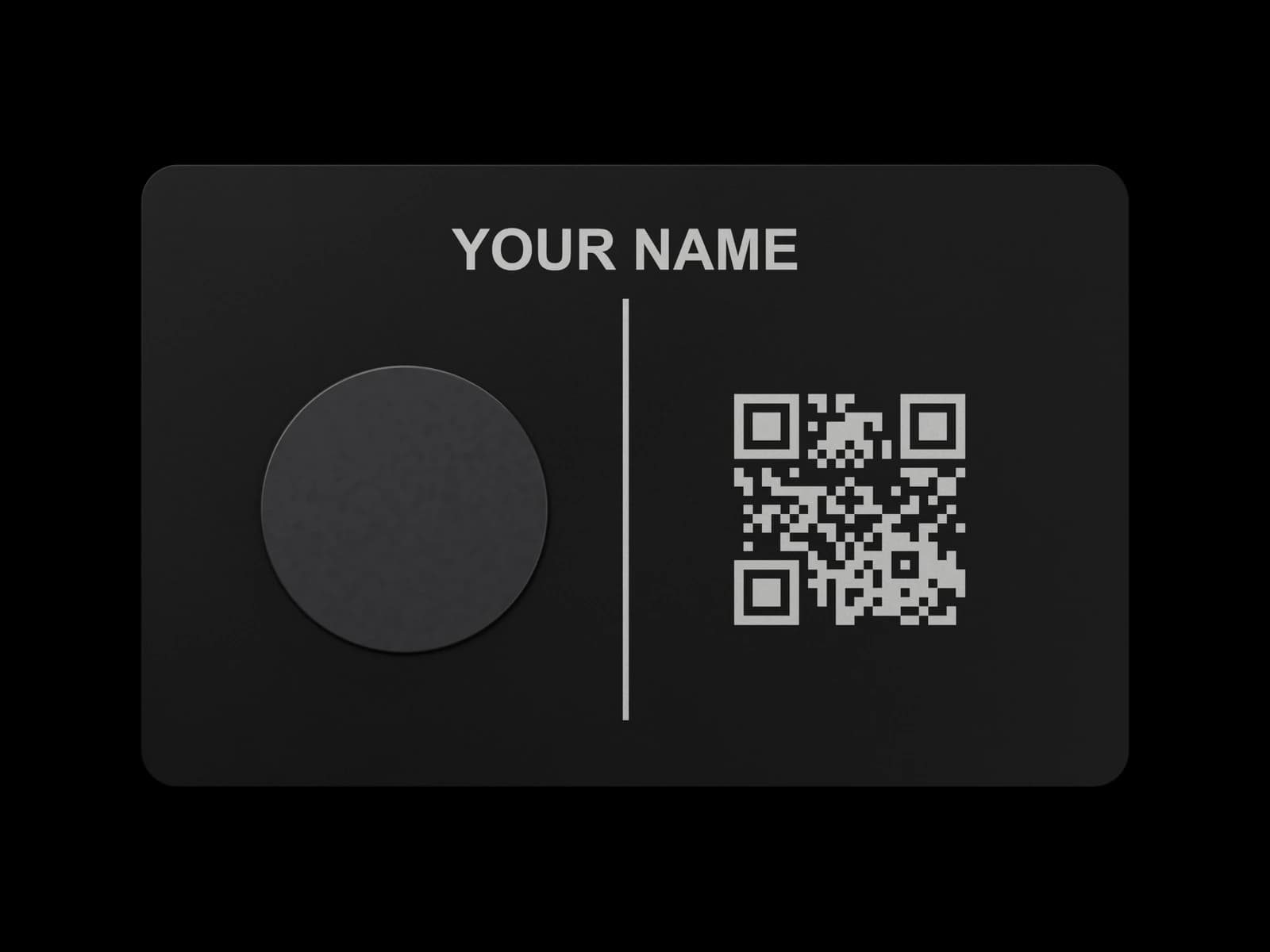
Both can open a website. A Metal Pick Card's NFC tag and engraved QR code open the same profile, so the same checks apply to the destination. The QR code is a useful alternative when tapping is inconvenient or unavailable.
PVC Pick Cards include NFC and a shareable profile link; an engraved QR code is not a standard PVC feature. The way you open the profile does not turn its public information into private information.
Five checks before opening a business card link
Use the same care you would with a link sent in a message or printed as a QR code.
- Accept a card from someone you recognise or expect to meet.
- Check the website address before opening, where your phone offers a preview, and in the browser after it opens.
- Treat unexpected login, payment, download or permission prompts cautiously. Viewing a Pick Card profile does not require a Pick Card account or app.
- Keep your phone and browser updated.
- Close an unfamiliar page and verify the link with the card owner if something seems wrong.
Frequently asked questions
Can tapping an NFC business card take money from my phone?
A Pick Card shares a profile link; it does not perform a payment transaction. If a website later asks for payment details, assess that separate request before entering them.
Can someone read my business card from across a room?
NFC is designed for very short-range communication, so normal use involves bringing the card close to the phone. That short range does not stop someone copying a public profile link after opening it.
Does a tap automatically save my details on the other person's phone?
No. Viewing the profile and choosing to save a contact are separate actions.
Can I keep my personal number private?
Publish a work number instead, or leave information off the public profile if you do not want to share it. Review the profile as a visitor before using the card.