
Give each introduction a clear portfolio destination
Choose a page that matches the conversation. A couple asking about wedding coverage should be able to find relevant work and an enquiry route. A business looking for headshots needs a different selection. You can keep one main website link on your profile and organize those routes clearly on your own site.
Open the destination on a phone using mobile data, not only on your studio monitor. Check whether the images load, the text is readable and the enquiry form is easy to reach. A portfolio that looks strong on desktop still needs to work at the moment you share it.
Keep the card design focused on your identity
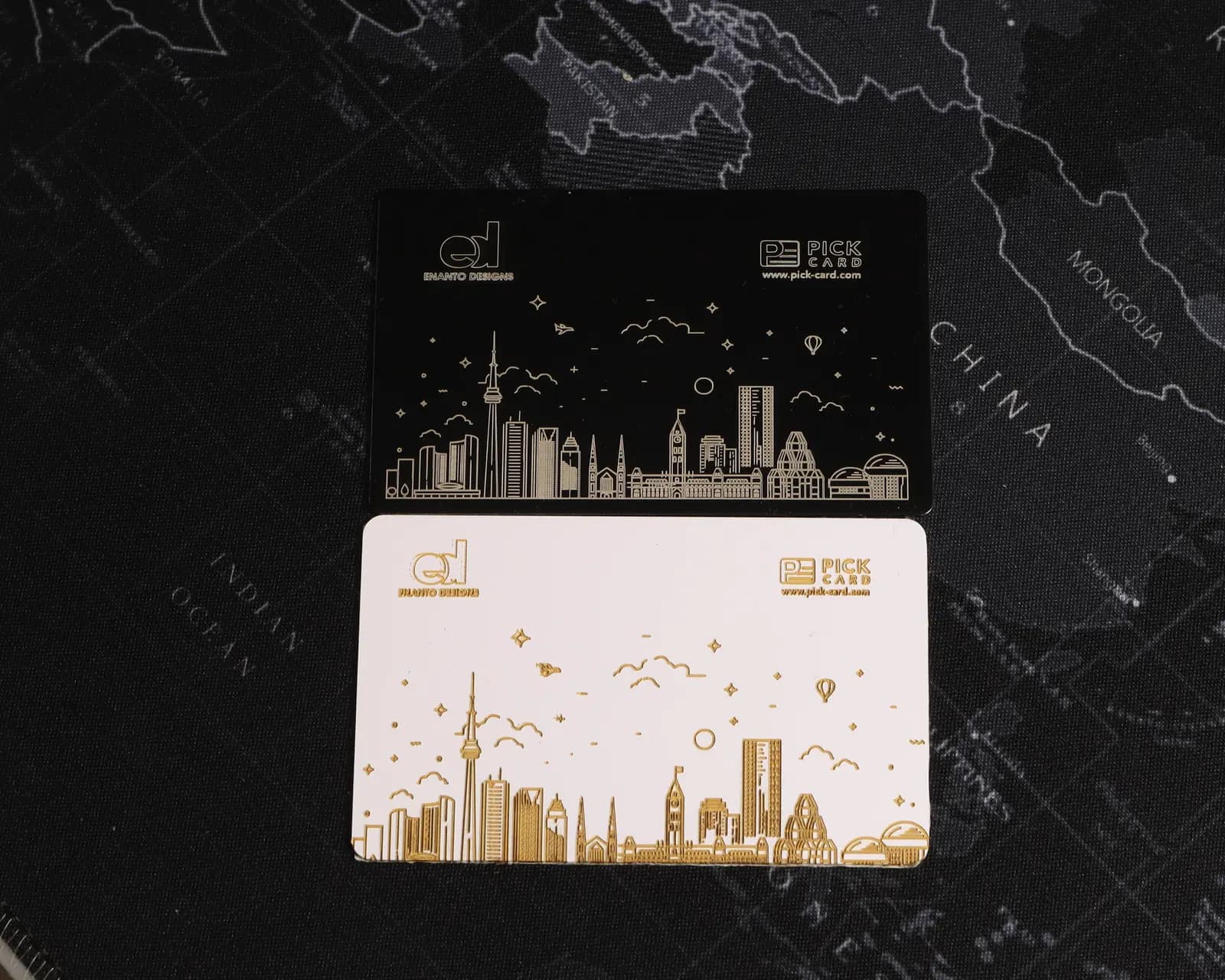
Start with your name or studio brand, a clear logo and the details that need to stay on the physical card. An engraved design works differently from a full-colour photographic print. If the physical image itself is central to your leave-behind, a printed photo card may be useful alongside your NFC card.
Keep changing galleries, seasonal offers and detailed package information online. Check small lettering, contrast and placement on the final proof before approving the permanent engraving. Free digital profile updates do not change the artwork on the card.
- Use business branding if different photographers may carry the card later.
- Keep the portfolio address current on the editable profile.
- Review the spelling of your name and studio on the proof.
- Choose a clear route to enquiries instead of a crowded list of destinations.
Use the card during a real conversation
Ask whether the person would like your details, then hold the NFC area near the reader of a compatible phone. They open the notification to view your profile in their browser. The recipient does not need a Pick Card app or account; internet access is needed to load the page.
Point out the portfolio or website link and let them browse at their pace. You normally keep the physical card for the next introduction. A tap does not automatically collect their email, add them to a mailing list or send a booking request. Arrange any follow-up directly with them.
Try a Pick Card digital profileSee how NFC business cards work
Choose the material and backup sharing method
For Canadian shipping addresses, Pick Card PVC is $75 CAD and Metal is $100 CAD before shipping and applicable taxes. Both include custom engraving, an approval proof, an editable digital profile and free detail updates without a subscription.
PVC is lightweight and has built-in NFC. Metal has a black anodized aluminum body with its separate NFC tag attached to the back, plus an engraved QR code opening the same profile. The standard PVC offer does not include an engraved QR backup, but you can share its profile link digitally.
Choose the finish you want to present, then consider where the card will be used. Metal's QR code gives another route when tapping is awkward. For a busy event, keep the profile URL available to send in a message and a printed leave-behind for anyone who prefers one.
See the Metal NFC cardSee the PVC NFC cardCompare Metal and PVC
Keep portfolios and contact details current
When your studio number, website or work changes, update the digital profile instead of replacing the physical card. Test the links again after moving your portfolio to a new domain. A link that opens a deleted gallery interrupts the introduction even when the NFC tag is working.
For a second shooter or studio team, plan whether each person needs an individual profile. Pick Card supports free digital reassignment, but an engraved name stays on the physical card. Choose generic studio branding when that is more useful over time.
Separate portfolio sharing from a review request
Use your networking card to share your work and contact information. If your business has a Google Business Profile, a separate Review Card can open its review page after a completed client experience. Keep that invitation optional and separate from releasing the client's photographs.
Invite honest feedback consistently without rewards or pressure. Let clients choose the rating, wording and timing. A review card makes the destination easier to open; it cannot guarantee reviews, referrals or bookings.
The $100 CAD Metal Card includes a separate Google Review Card. Adding the standalone $25 CAD Review Card to $75 CAD PVC gives the same $100 CAD Canadian product subtotal before shipping and applicable taxes.
See Google Review CardsPlan an honest review-request routine
Order with time to check the finished design
Standard shipping to a Canadian address is $20 CAD per order, with applicable taxes extra. One Metal card with standard shipping is $120 CAD before tax; one PVC card is $95 CAD before tax.
Prepare your logo, name and studio details, then check the final proof before production. Proofs are prepared within 2 business days and cards ship 3–5 business days after approval, with carrier transit additional. For a wedding fair or exhibition, allow for design revisions and delivery rather than relying only on the production estimate.
View real finished client cardsCheck shipping estimatesRead the quality and returns policy
Frequently asked questions
Can a photography business card link to my portfolio?
Yes. A Pick Card networking card opens your digital profile. Add your website or relevant links so people can reach your existing portfolio and enquiry page. Pick Card does not create or host your photography website.
Does the recipient need an app to see my work?
No Pick Card app or account is needed. A compatible phone reads the NFC link and the recipient opens the profile in a browser. Internet access is required, including for your portfolio website.
Should photographers choose Metal or PVC?
Choose $100 CAD Metal for the black anodized aluminum finish, engraved QR backup and included separate Review Card. Choose $75 CAD PVC for a lightweight NFC card at a lower standalone price. Both include free profile updates; shipping and applicable taxes are extra.
Can I change the portfolio link after ordering?
Yes. Digital profile details and links can be updated without replacing your card. The approved physical engraving stays the same, so keep frequently changing information online.