
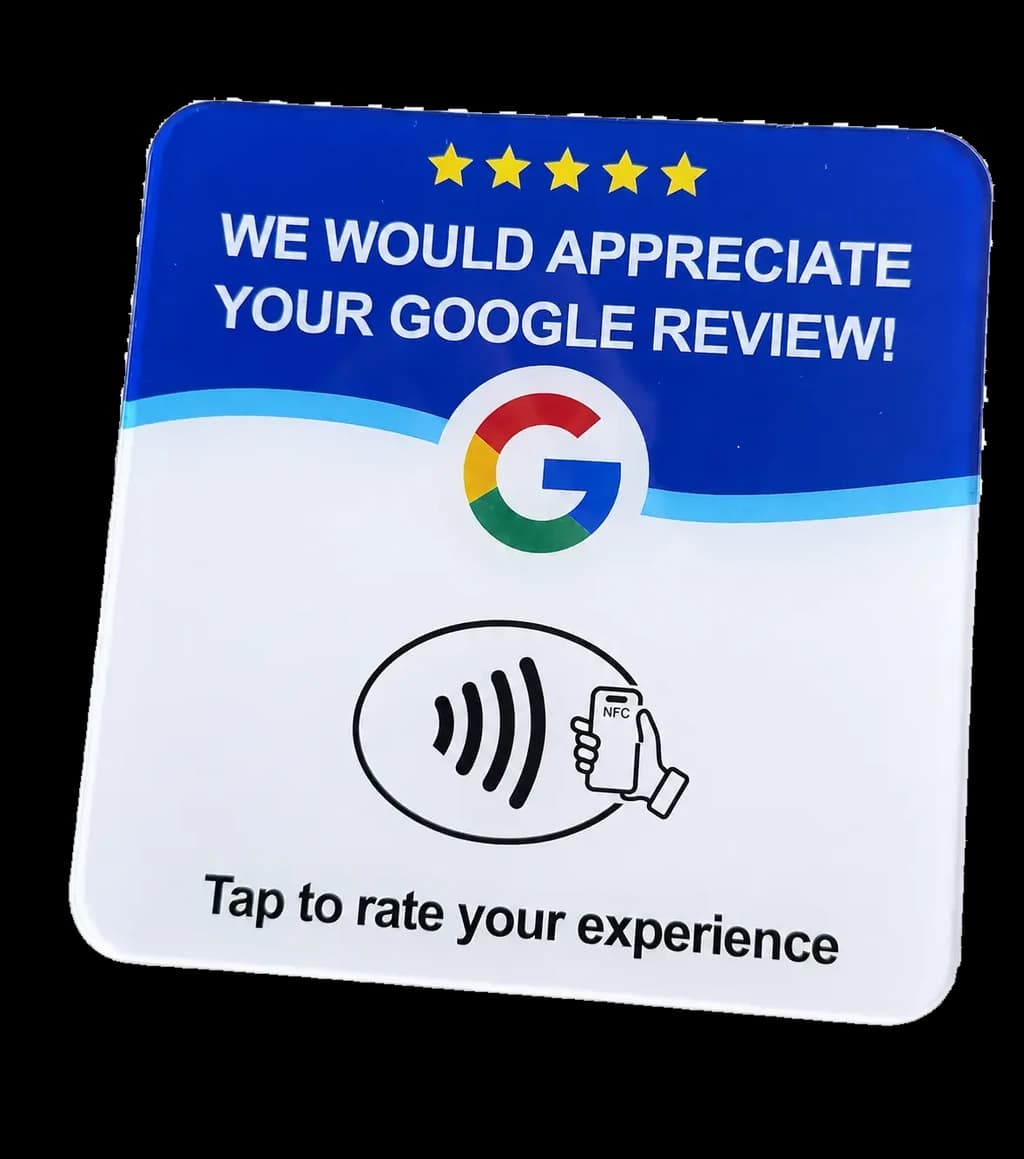
| What you see | Likely cause | Fix |
|---|---|---|
| A Google error or the wrong business | The review link or Place ID behind the card changed | Copy a fresh review link from Google Business Profile and update where the card points |
| The card maker's error page or a sign in prompt | The redirect service behind the card is offline or the account lapsed | Ask the maker to restore it, or replace the card |
| A stranger's website or a joke page | Someone rewrote an unlocked chip | Replace the card and choose a locked chip |
| Nothing on one phone, fine on another | Phone settings, tap position or a thick case | Turn NFC on, tap the right spot and try without the case |
| The tap works but the QR code opens something else | The QR code was made from a different or older link | Make a new QR code from the current review link |
Check the card in two minutes
Start by separating a phone problem from a card problem. Tap the card with two different phones, ideally one iPhone and one Android phone. If both open the wrong page or an error, the card's destination needs attention. If one phone works and the other does nothing, the card is probably fine and the phone needs a check.
To see exactly what is stored on the chip, use a free NFC reader app such as NFC Tools. Its read screen shows the link saved on the tag and whether the tag can still be written. A link to your own review page or to the card maker's web address is expected. An unfamiliar link means the chip was rewritten or set up wrongly.
- Both phones open the wrong page: check causes 1, 2 and 3.
- Only one phone fails: check cause 4.
- The tap works but the QR code does not: check cause 5.
Cause 1: your Google review link changed
Some review cards store a direct Google link built from your business's Place ID, the identifier Google Maps uses for a place. Google's developer documentation says Place IDs may change over time and recommends refreshing stored Place IDs that are more than 12 months old. A card programmed once with a direct link has no way to notice that change.
A link copied for a different branch sends customers to the wrong listing too. The fix is the same either way: copy a fresh review link from Google Business Profile, then update wherever the card points.
On a card that stores the Google link directly, that means rewriting the chip, which only works if it was never locked, or replacing the card. On a Pick Card Google Review Card, the Google link lives on Pick Card's side, so we update it and the same card keeps working.
Cause 2: the redirect behind the card stopped working
Other cards store a link to the card maker's own web address, which then forwards to Google. This is called a redirect. It lets the maker change the destination later without touching the card, but the card now depends on that service staying online and your account staying active.
If a tap shows the maker's error page, a sign in prompt or an offer to upgrade, the redirect is the problem. Contact the maker first. If the service has closed, the card cannot be repaired from your side and needs replacing.
Pick Card's Review Card works this way, and we would rather say it plainly. A tap opens a short Pick Card page that thanks the customer and shows a button to your Google review form. Because the card points to Pick Card, we can update your Google link without reprogramming the card. It also means the card depends on that Pick Card page staying online.
Cause 3: someone rewrote an unlocked chip
An NFC tag that was never locked can be rewritten by anyone with a phone and a free app. Cards left out on counters and tables are the most exposed. A rewritten card might open a stranger's website, a joke page or another business.
Locking makes the tag read only. Locking is normally permanent, so a locked tag cannot be changed later by anyone, including the business that owns it. That is why a locked chip pairs well with a redirect: the chip cannot be tampered with, and the destination can still be updated on the maker's side.
The chip on a Pick Card Google Review Card is locked, so nobody else can rewrite it. If your review link changes or you want the card to open something else, ask Pick Card and we update it through our redirect or on request.
If a card from another maker has been rewritten, rewrite it back and lock it if it is still unlocked, or replace it. Also check that the card on your counter is actually yours, because a swapped card or a sticker placed over it causes the same symptom.
Cause 4: the customer's phone is not reading the tag
When one phone works and another does not, the card is usually fine. NFC only reads at close range, and the reader sits in a different place on different phones.
Where to tap on iPhone and AndroidApple: background tag reading on iPhone
- iPhone: hold the top edge of the phone near the card. Apple says iPhone XS and later read tags in the background, but only while the iPhone is in use. Background reading is unavailable while the camera or Apple Pay Wallet is in use and in airplane mode. A locked iPhone asks to be unlocked before it opens the link.
- Android: NFC must be switched on. Search Settings for NFC if you are not sure where it is. The reader is often around the middle of the back, but the spot varies by model.
- Cases: thick cases, card wallets, magnetic mounts and metal plates can block the read. Try once without the case.
- Notification: on iPhone, the customer taps the notification to open the page. Some Android phones open it straight away and others show a prompt first.
- Internet: the phone needs a data or wireless connection to load the page.
Cause 5: the QR code points somewhere else
A QR code is a separate path to your review form. It may have been made from a different link than the chip, or from an older one. Scan it with the phone camera and compare where it lands with where the tap lands. Both should reach the same Google review form for the same location.
If the QR code is wrong, make a new one from your current review link. Google Business Profile can create a review QR code, although Google says this currently works only in a computer browser.
How to get your correct Google review link
Google's steps are short. Sign in on a computer with the account that manages your Business Profile, then work through this list.
Google: create a link or QR code to request reviews
- Go to your Business Profile.
- Select Read reviews, then Get more reviews.
- Select Copy to copy the review link, or right click the QR code and save the image.
- Open the link on a phone and confirm the business name and location before using it.
- If you have more than one location, repeat this for each one and label each card.
- Send the new link to your card maker. For a Pick Card Review Card, email orders@pick-card.com and we update the destination.
What to ask before you buy any review card
These questions separate a card that keeps working from one that quietly breaks.
Google Review Card detailsMetal card with a free Review CardWhat is a Google review card?
- Is the chip locked? If not, anyone can rewrite it.
- Does the card store the Google link directly or point to a redirect? A locked direct link cannot be updated. A redirect can be updated but depends on the maker's service staying online.
- Who updates the link if Google changes it, and is there a charge or subscription for that?
- What happens to the card if the company stops operating?
- Does the landing page send every customer to Google? Google prohibits discouraging negative reviews and asking only customers likely to leave positive ones, so avoid any card that screens customers first.
- Is setup for the right location included?
How Pick Card's Review Card answers those questions
The chip is locked, so nobody else can rewrite it. The card points to Pick Card's redirect, a short page with one button to your Google review form, and that page shows every customer the same button. When your Google link changes or you want the card to lead somewhere else, ask us and we update it without reprogramming the card.
Review link setup is included and there is no subscription. The Review Card is included free with every Metal card order, or you can buy it on its own. The honest trade off is the one every redirect card has: it depends on the Pick Card page staying online.
However you ask for reviews, keep within Google's rules. Do not offer rewards for reviews, and invite every genuine customer rather than only the happy ones.
Frequently asked questions
Why did my Google review card stop working?
The usual causes are a changed Google review link, a redirect service that went offline, a rewritten unlocked chip, a phone that is not reading NFC and a QR code made from a different link. Tap the card with two phones to tell a card problem from a phone problem.
Can someone reprogram my Google review card?
Only if the chip was left unlocked. Anyone with a phone and an NFC app can rewrite an unlocked tag. The chip on a Pick Card Google Review Card is locked, so nobody else can rewrite it. Pick Card can still change where it leads, through our redirect or on request.
Do I need a new card if my Google review link changes?
It depends on how the card is set up. A locked card that stores the Google link directly needs replacing. A card that points to a redirect can be updated by its maker. With a Pick Card Review Card, we update the link on our side and you keep the same card.
Why does my review card work on Android but not on iPhone?
Check the tap position first. The iPhone reader is at the top edge. Apple says iPhone XS and later read tags in the background while the phone is in use, but not while the camera or Apple Pay Wallet is in use or in airplane mode. Older iPhones do not read tags in the background, so offer the QR code instead.
Is a direct link card better than a redirect card?
Each has a trade off. A direct link works without any company in the middle, but a locked direct link cannot be updated when your Google link changes. A redirect can be updated without touching the card, but it depends on the maker's service staying online. A locked chip with a redirect gives you tamper protection and updates.